Snap food.
Get macros.
A calorie tracker that doesn't make you do math. Snap a photo of your plate, scan a barcode, or just describe what you ate. Otto handles the rest.
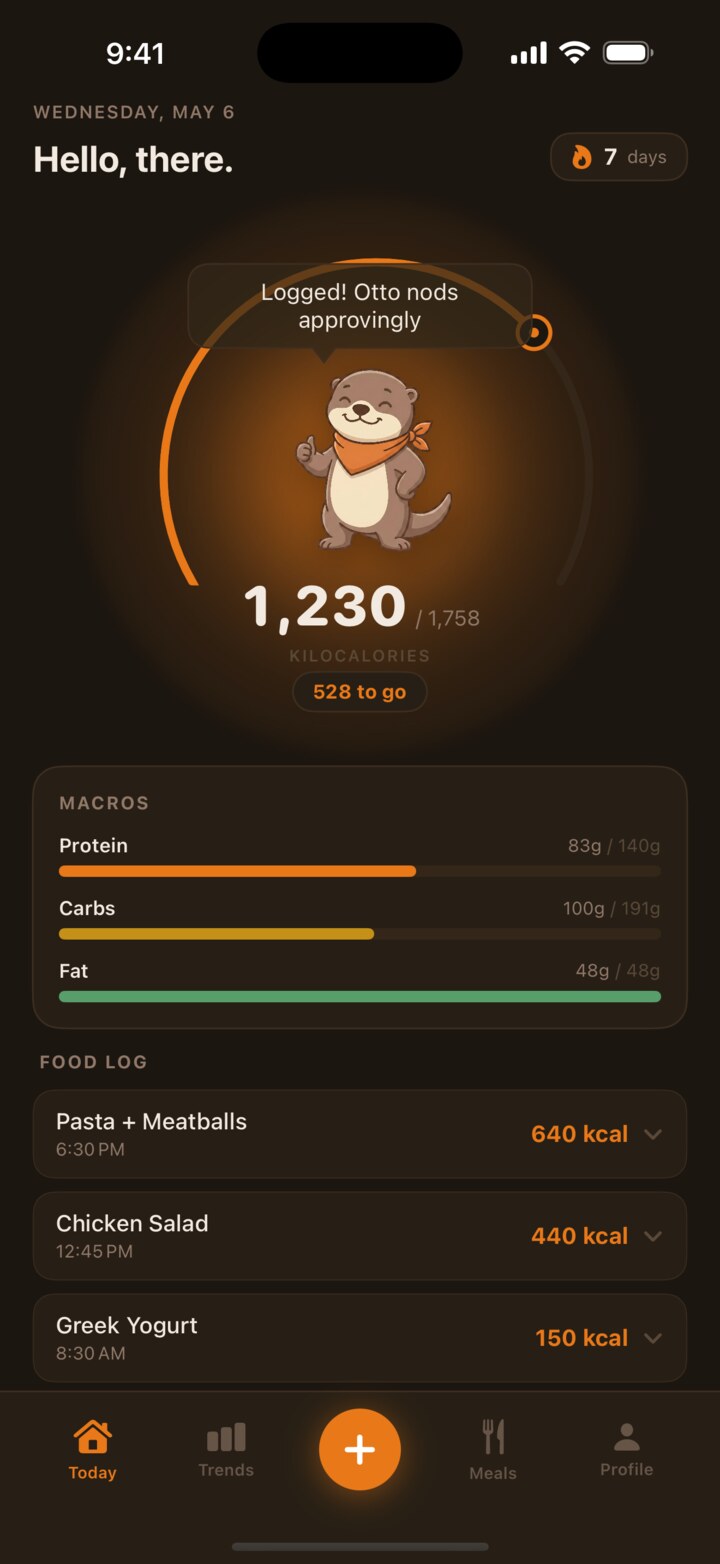
Three taps to log a meal.
Most calorie trackers make you weigh, measure, search a database, then second-guess the result. OttoFit doesn't.
- Take a photo of your food, a menu, or a receipt. Macros estimated in seconds.
- Scan a barcode against 3 million packaged items via OpenFoodFacts.
- Describe it in plain English. "Two slices of pepperoni pizza" is enough.
- Enter manually when you already know the numbers.
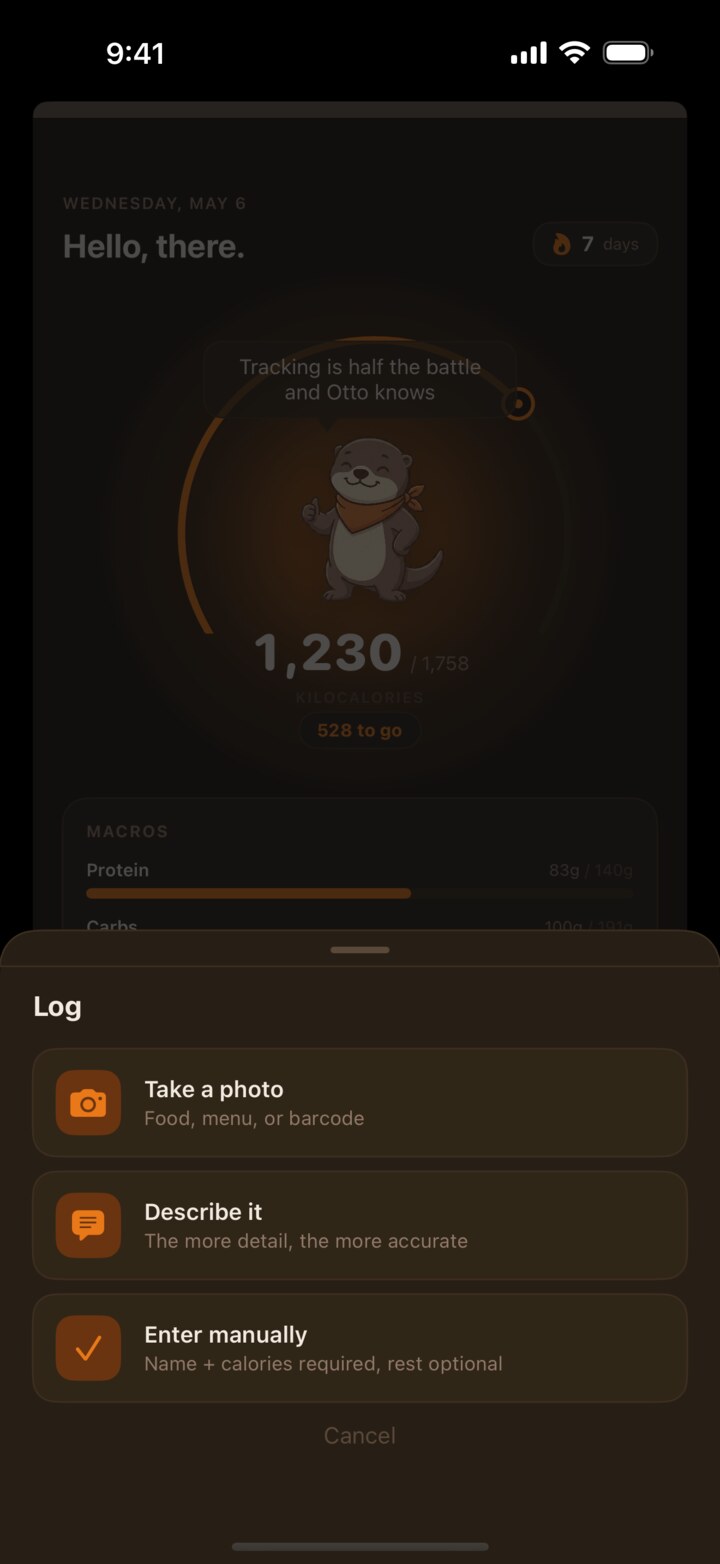
Macros that match the math.
Hit a calorie number AND a protein, carb, and fat target. Leave any field blank and OttoFit fills it for you, scaled proportionally so the macros always add up.
Edit anything later. Yesterday's log isn't locked. Backfill that meal you forgot, fix the wrong photo estimate, delete the snack you didn't eat. The math stays right.
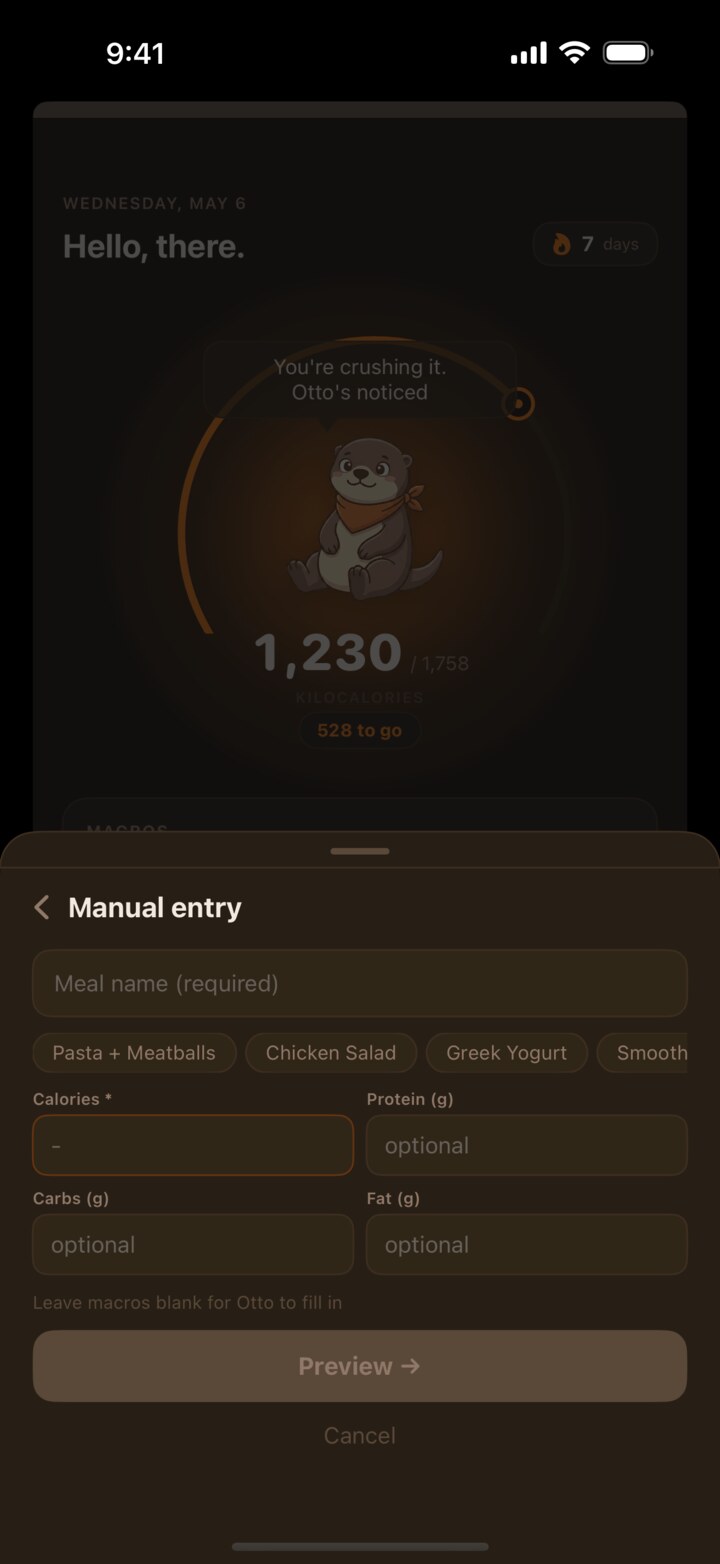
See the line, not the noise.
Calories logged per day, weight trend over time, streak counter, daily macros at a glance. The data you actually use, none of the chart-as-Christmas-tree visual mess other apps default to.
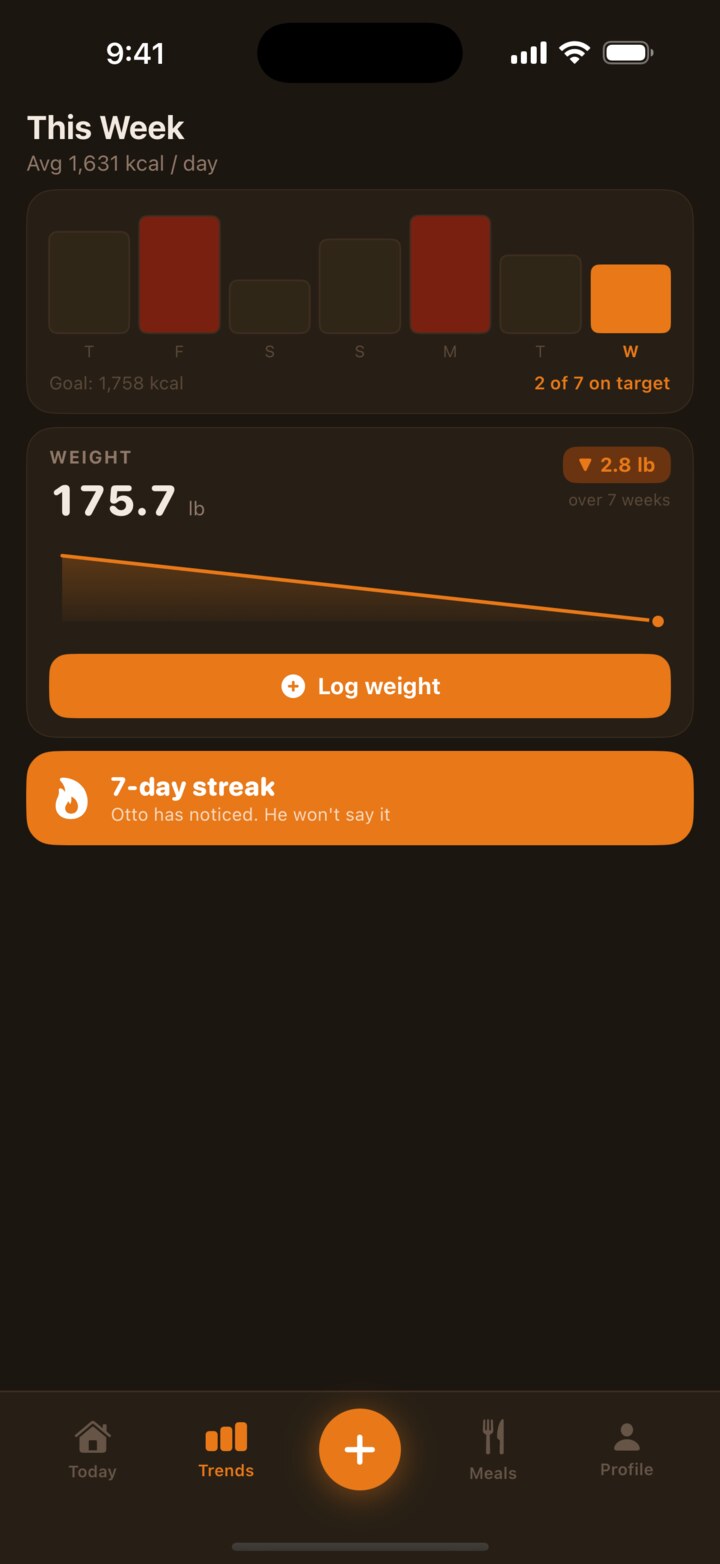

Meet Otto.
Otto is an otter. He lives on your home screen and your lock screen. He celebrates indulgent meals, side-eyes the boring ones, and gets dramatic when you go over your calorie budget.
He's not here to shame you. He's here to make sure you actually open the app. Because every calorie tracker on the App Store has roughly the same features. The one you stick with is the one you remember to use.
Snap your first meal.
iOS only. Free to download. AI scan features unlock with subscription.
Download on the App Store